
Admins & roles
Open Admins.
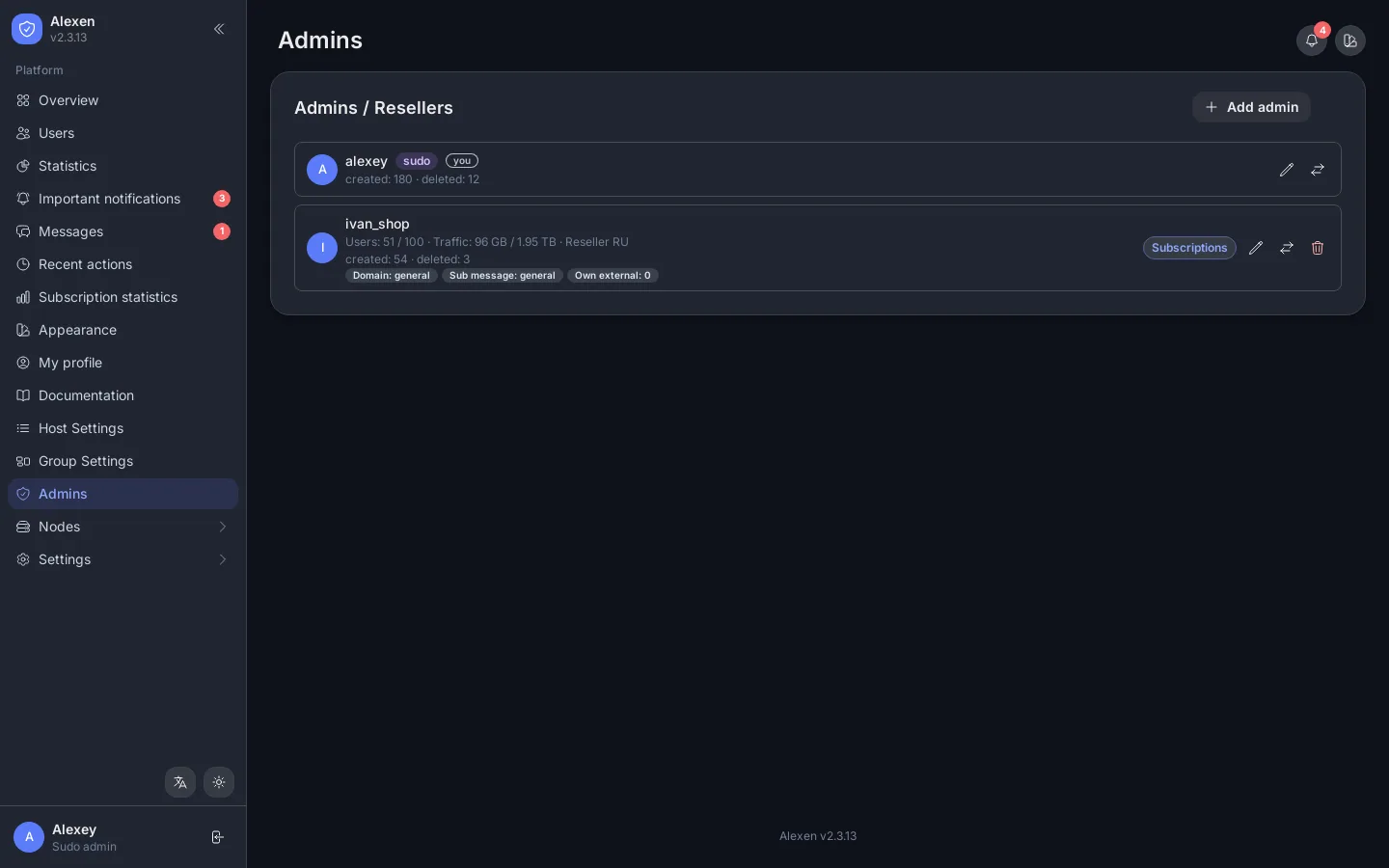
Creating a reseller
Press Add admin, set the username and password, then choose the limits:
| Setting | Meaning |
|---|---|
| Sudo | Full access to everything. |
| Users limit | The most users this admin may have. |
| Traffic limit | Total traffic of all their users. |
| Expiry date | The admin account stops on this date. |
| Max IP limit / Max device limit | The highest values the admin may give a user. |
| Host groups | Which hosts the admin can hand out. |
| Can copy configs / Can edit limits | Extra permissions. |
| Telegram ID / Discord webhook | Where this admin gets notifications. |
An admin sees only their own users, usage and activity. Sudo admins can move users between admins from the users page.
Messages and alerts
Admins and sudo admins can write to each other in Messages. Important notifications shows alerts for the admin's own users.
Related API: Admins, Profile, Notifications.