Appearance & settings
Appearance
Appearance changes the panel's theme (light, dark or system), accent colour and layout details. It is saved per browser.
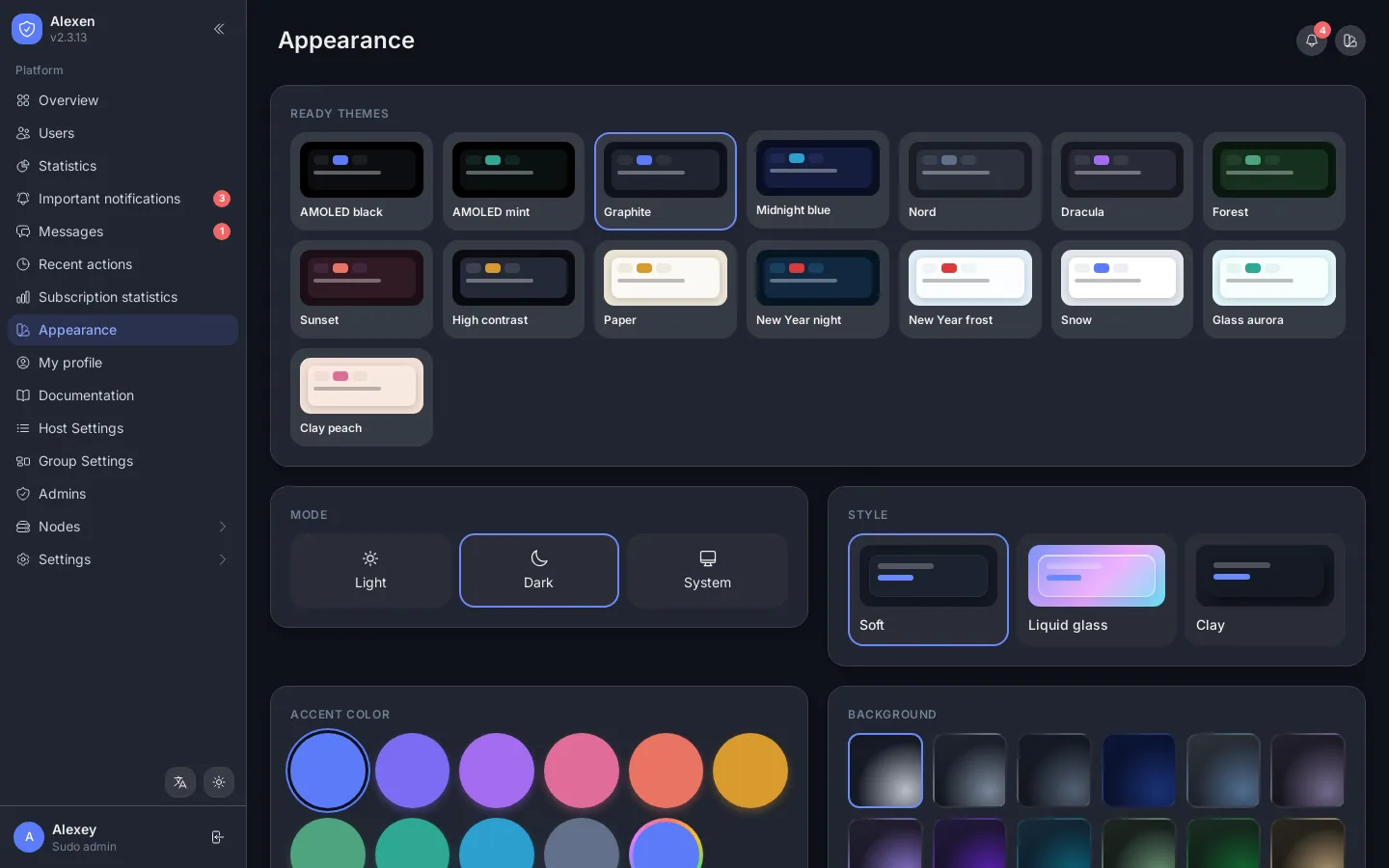
You can also change the panel language (English, Türkçe, Русский, فارسی, Türkmençe, 中文) from the button at the bottom of the menu.
Brand
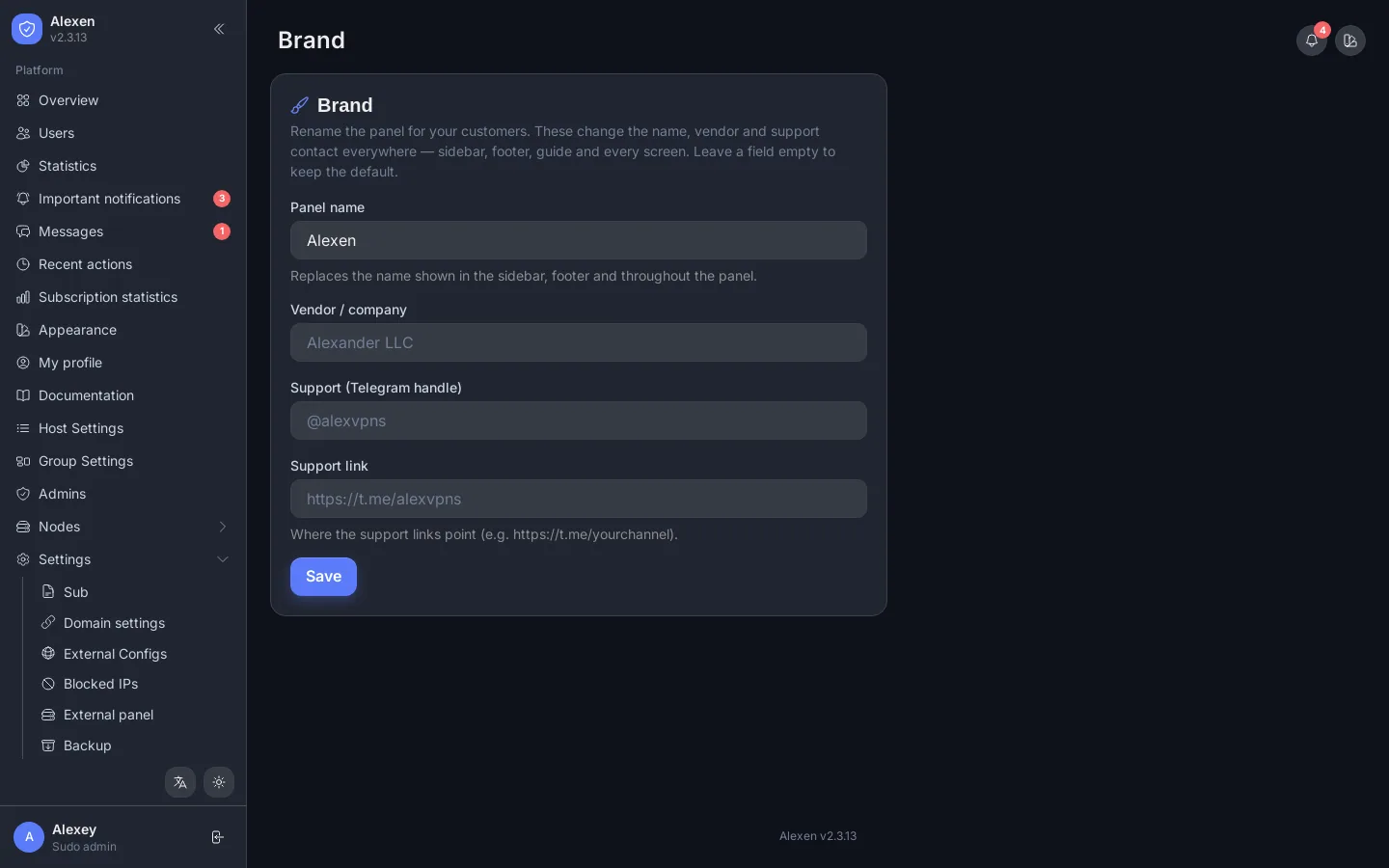
Settings → Brand renames the panel for your customers: the name shown in the sidebar, footer and subscription page, your company name and the support contact.
Documentation page
Documentation inside the panel is a short guide for your role (admin or sudo), the subscription link format and the API.
My profile
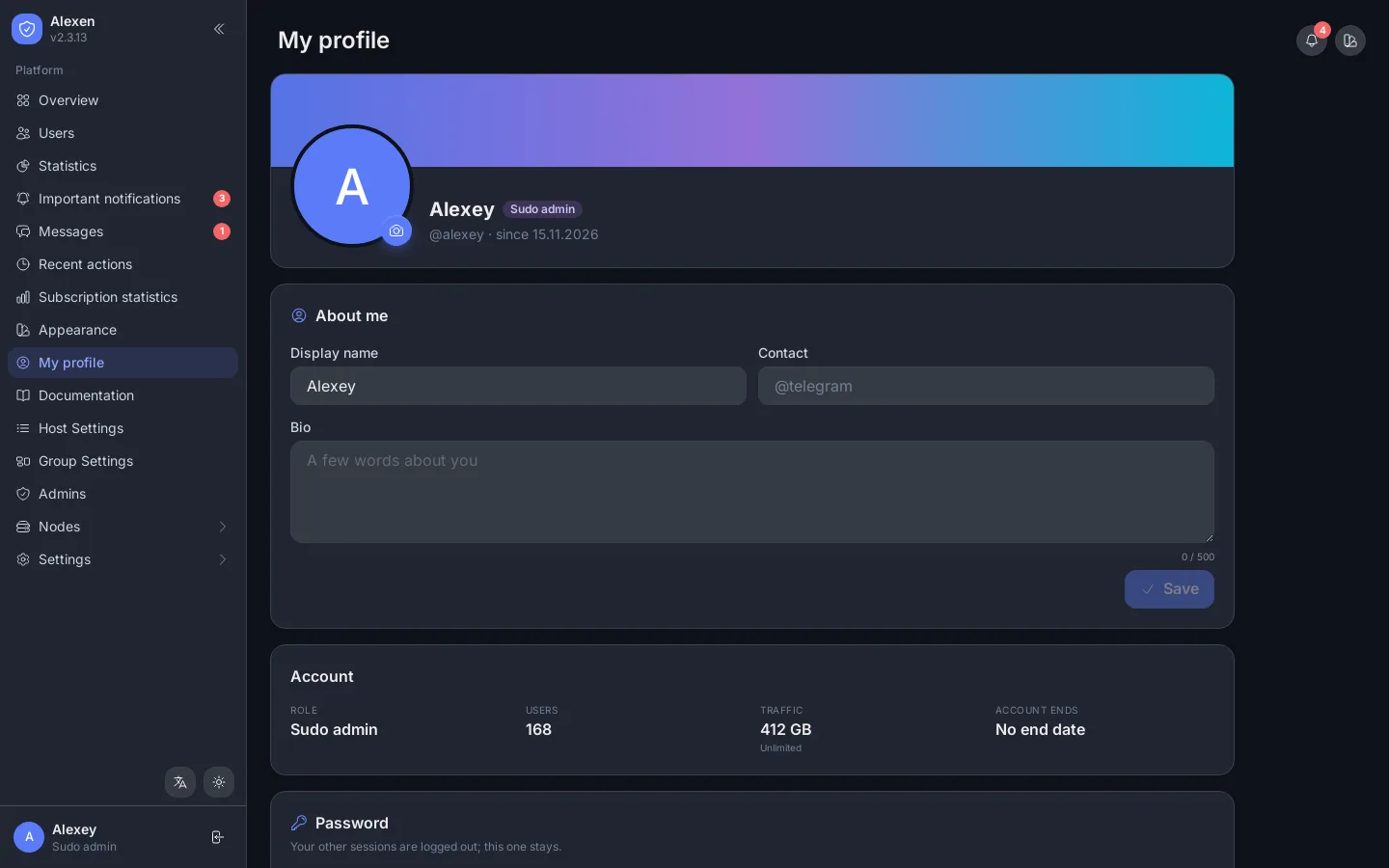
Your name, picture, short bio and contact, and your own password. Resellers also see their quotas here.
External panels
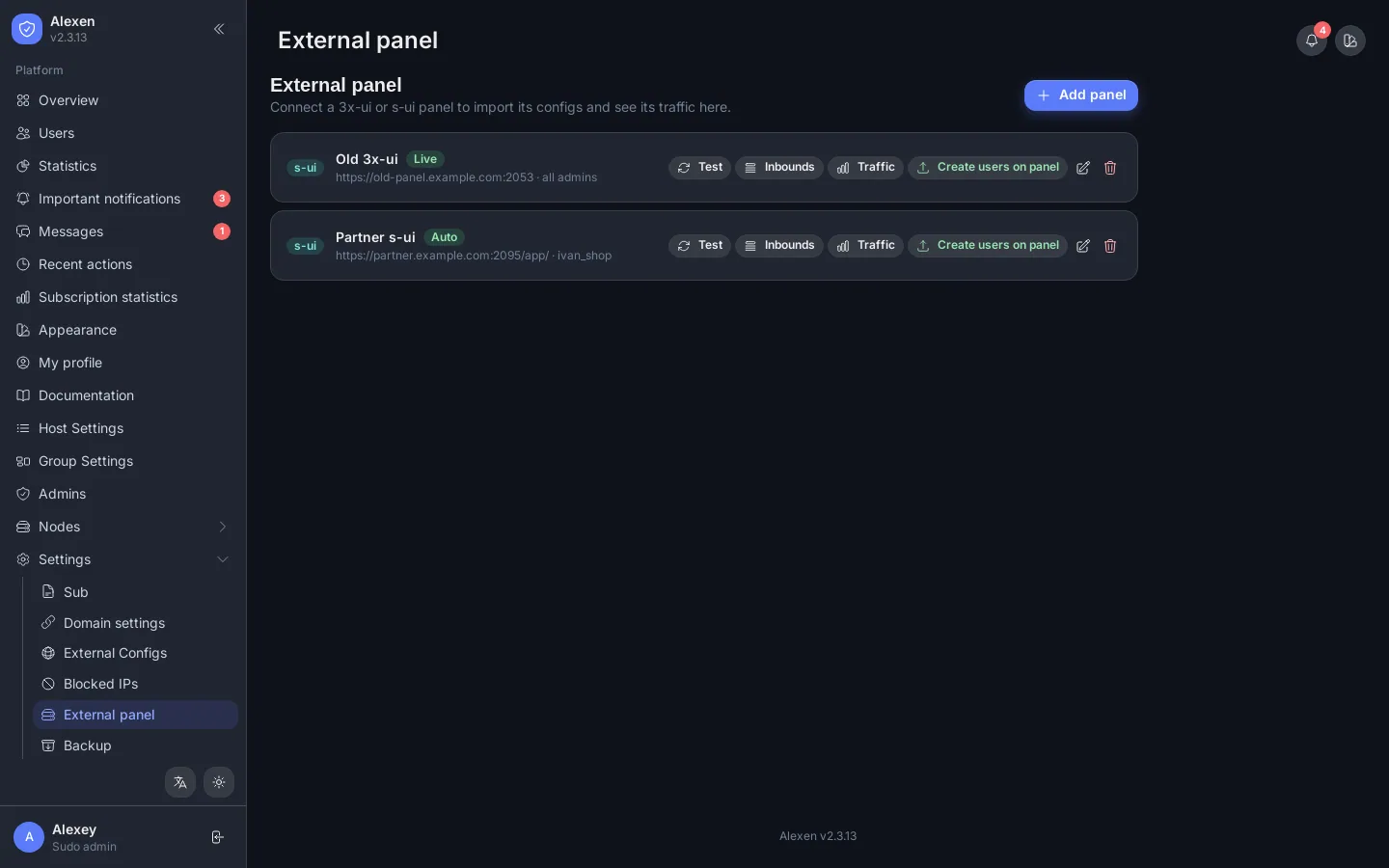
Settings → External panel connects other panels (3x-ui, s-ui and similar) so their users and traffic appear in Alexen.