Backups, updates & license
Backups
Settings → Backup makes a ZIP of the database and settings on the server, lets you download it, and keeps the last N copies.
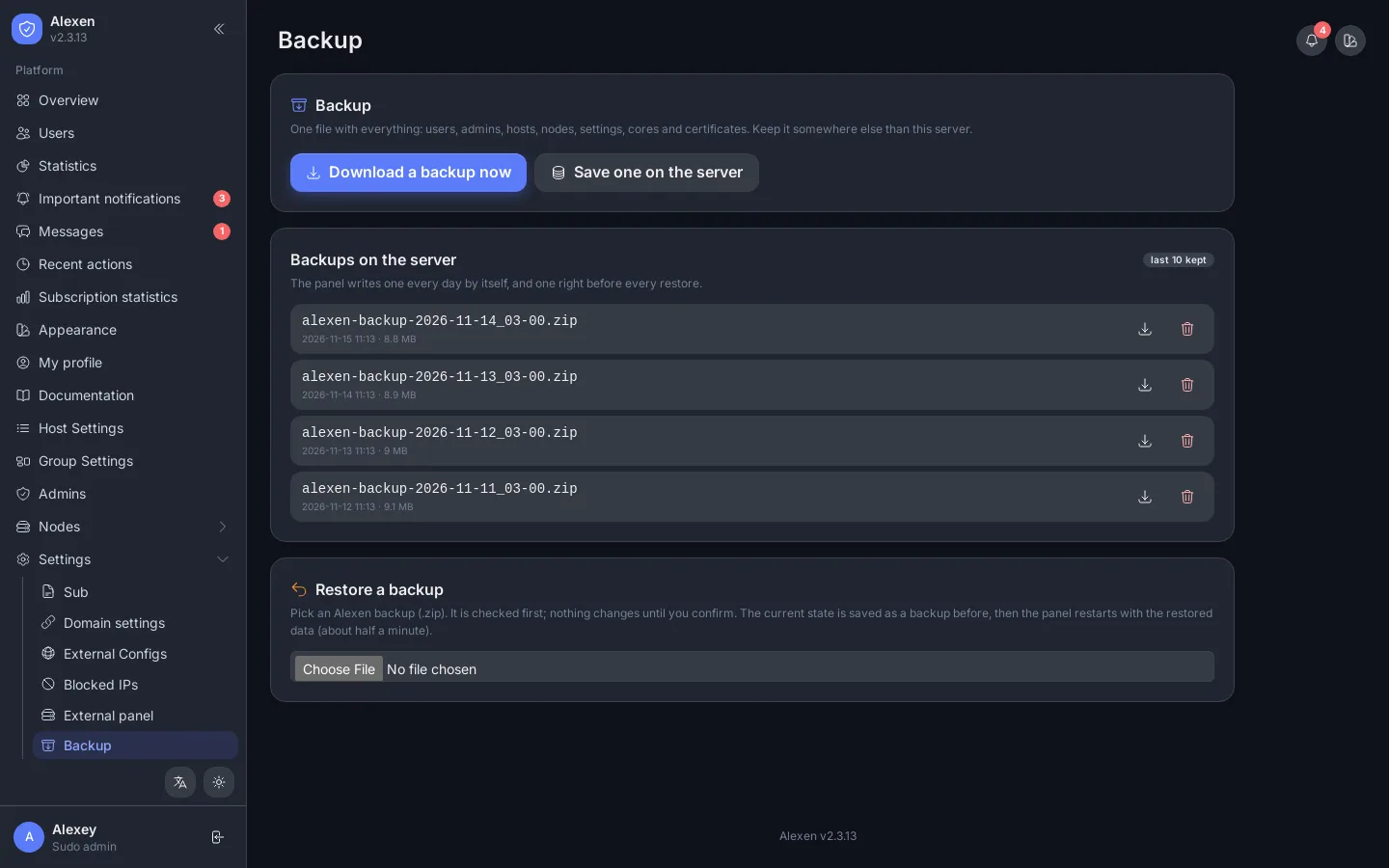
- Press Backup now, or turn on the schedule in the Telegram settings to receive a backup in the bot every few hours.
- To restore, use the command line:
alexen restore FILE. The data you have now is saved first.
Before every update
The panel makes a backup automatically before an update.
Updates
Settings → Update shows the installed and the latest version and the notes of each release.
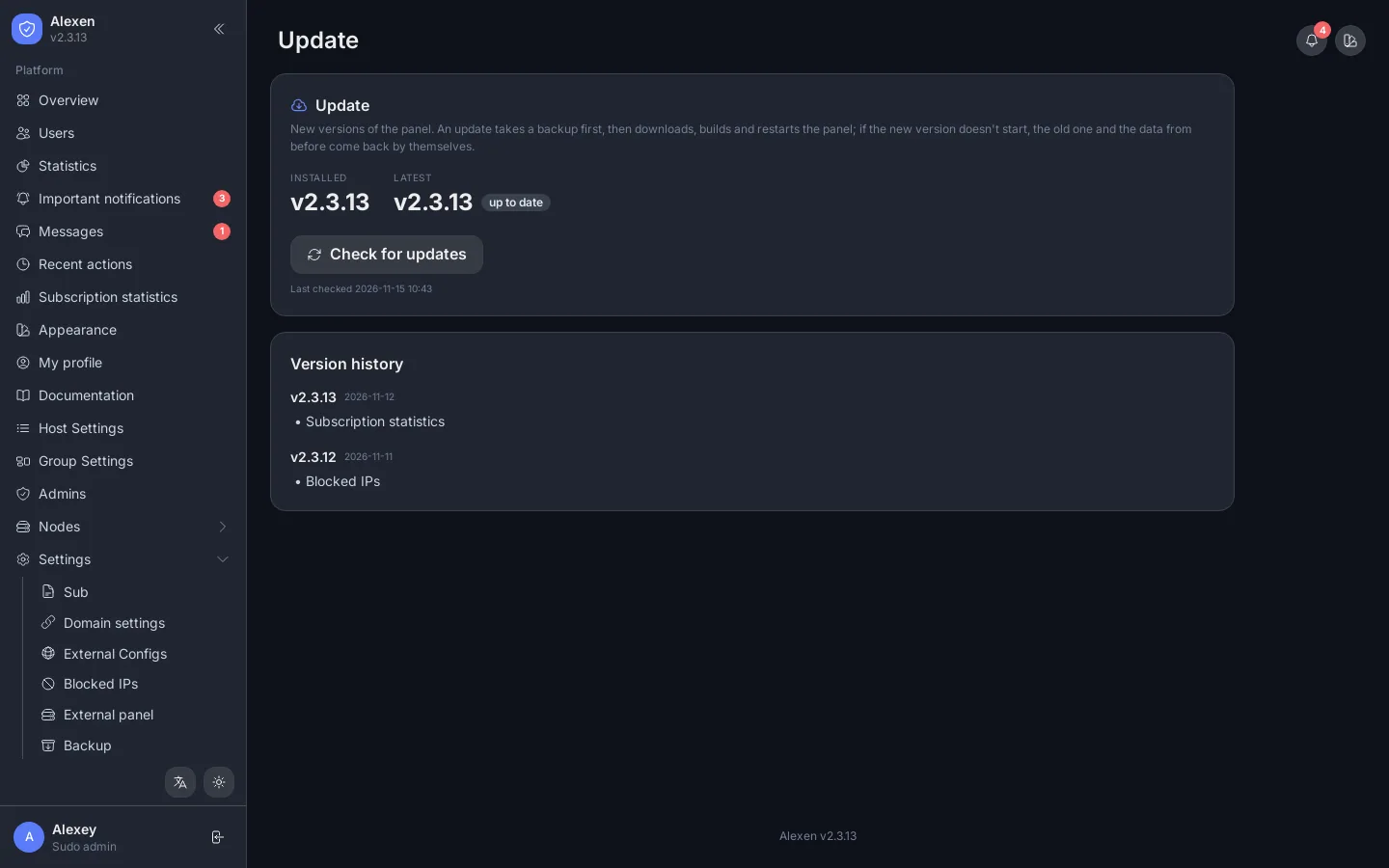
Press Update: the panel makes a backup, builds the new version and starts it. If the new version does not start, the old one is put back. Panels can also check for updates automatically (about every 12 hours) when the updater is on.
From the command line: alexen update.
License
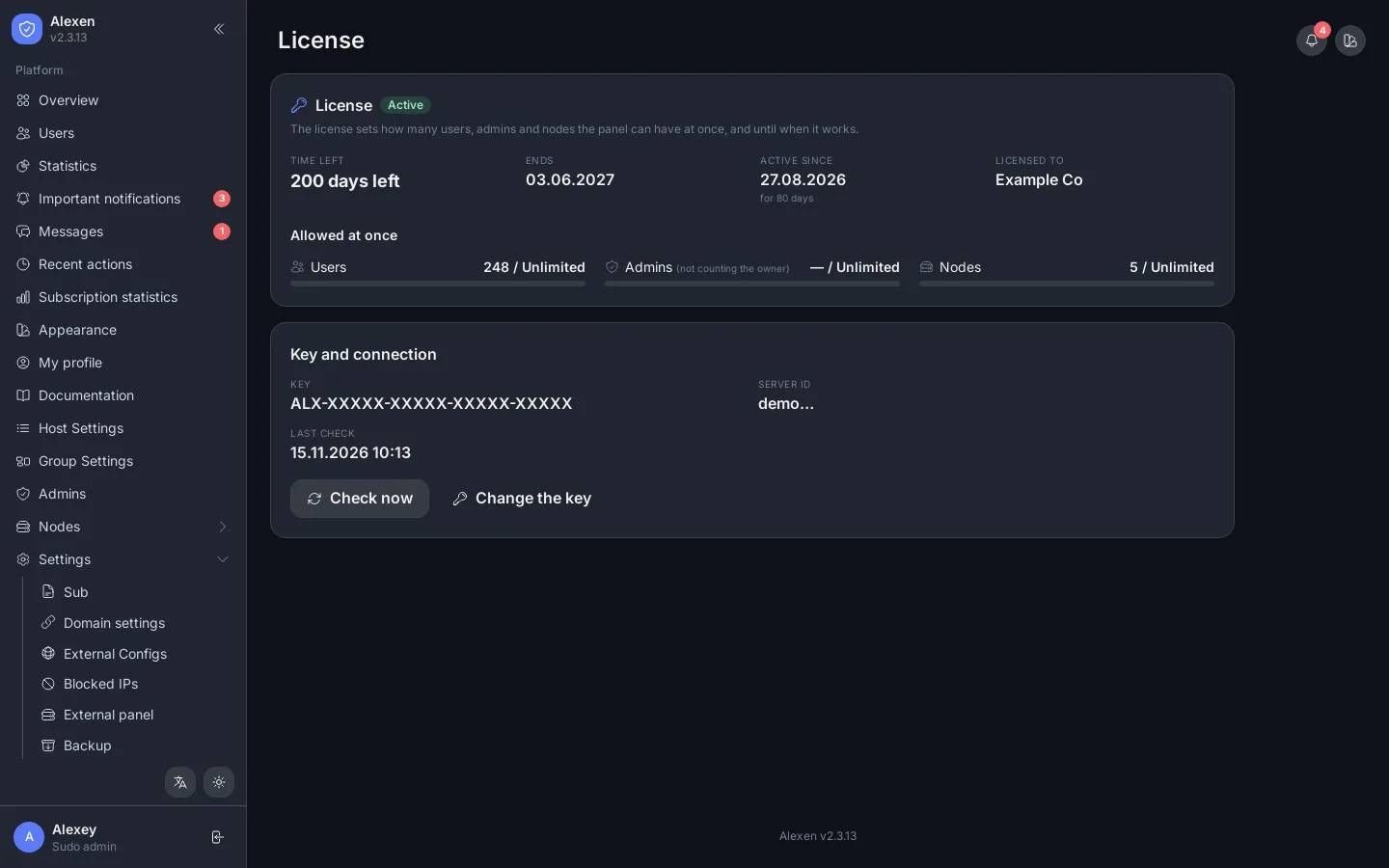
Settings → License shows the state of your license.
| State | Meaning |
|---|---|
| Active | Everything works. The days left are shown. |
| Ended, grace | The license ended. The panel works for a few more days: renew it. |
| Expired / Cancelled / Suspended | Contact the seller. |
| No license entered | Enter your key. |
| In use on another server | The key is bound to another install. Ask the seller to move it. |
Panels check the license by themselves and show a message from the seller when there is one.
System
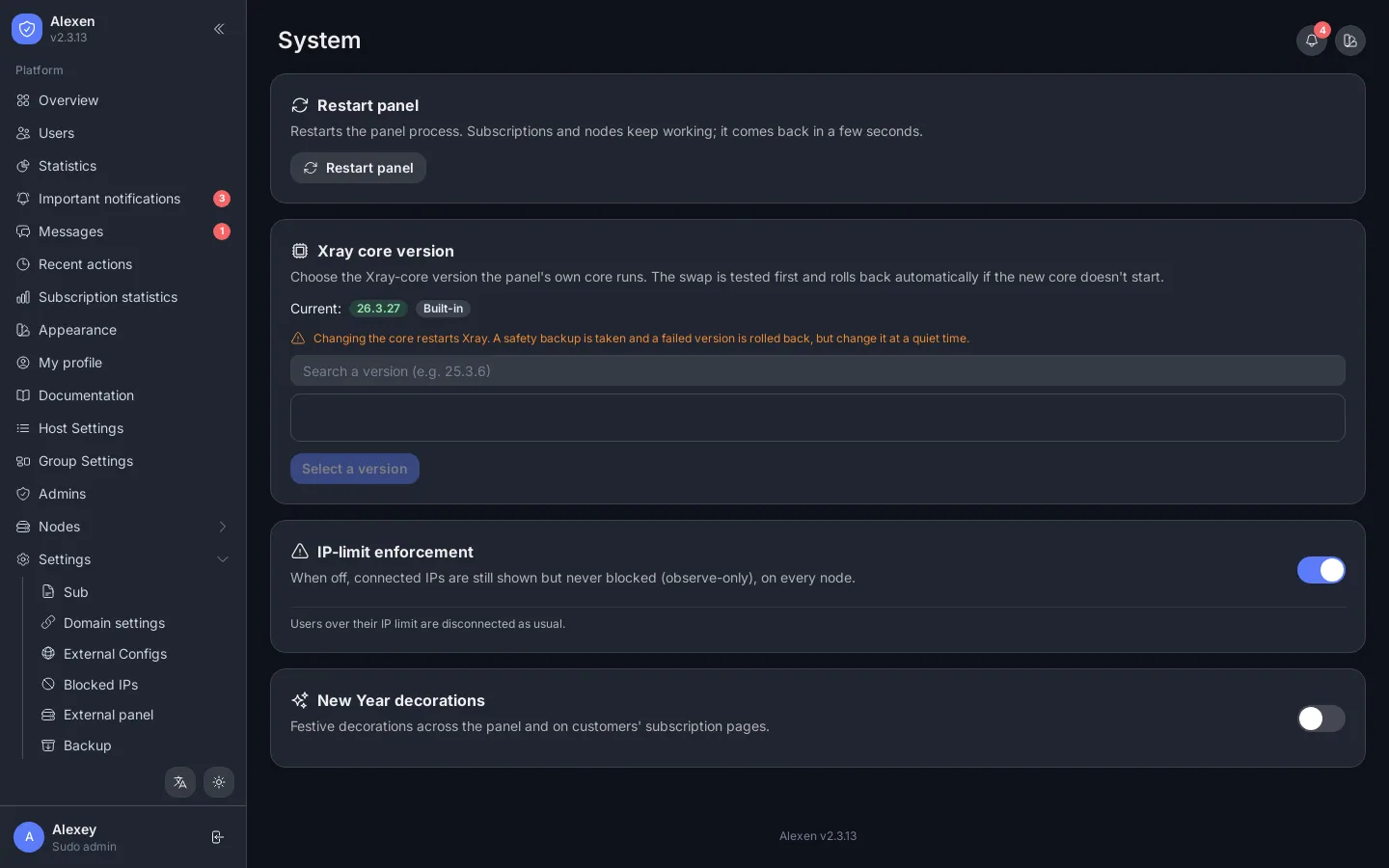
Settings → System shows CPU, memory, disk, uptime and network speed of the master server and every node.