
First steps
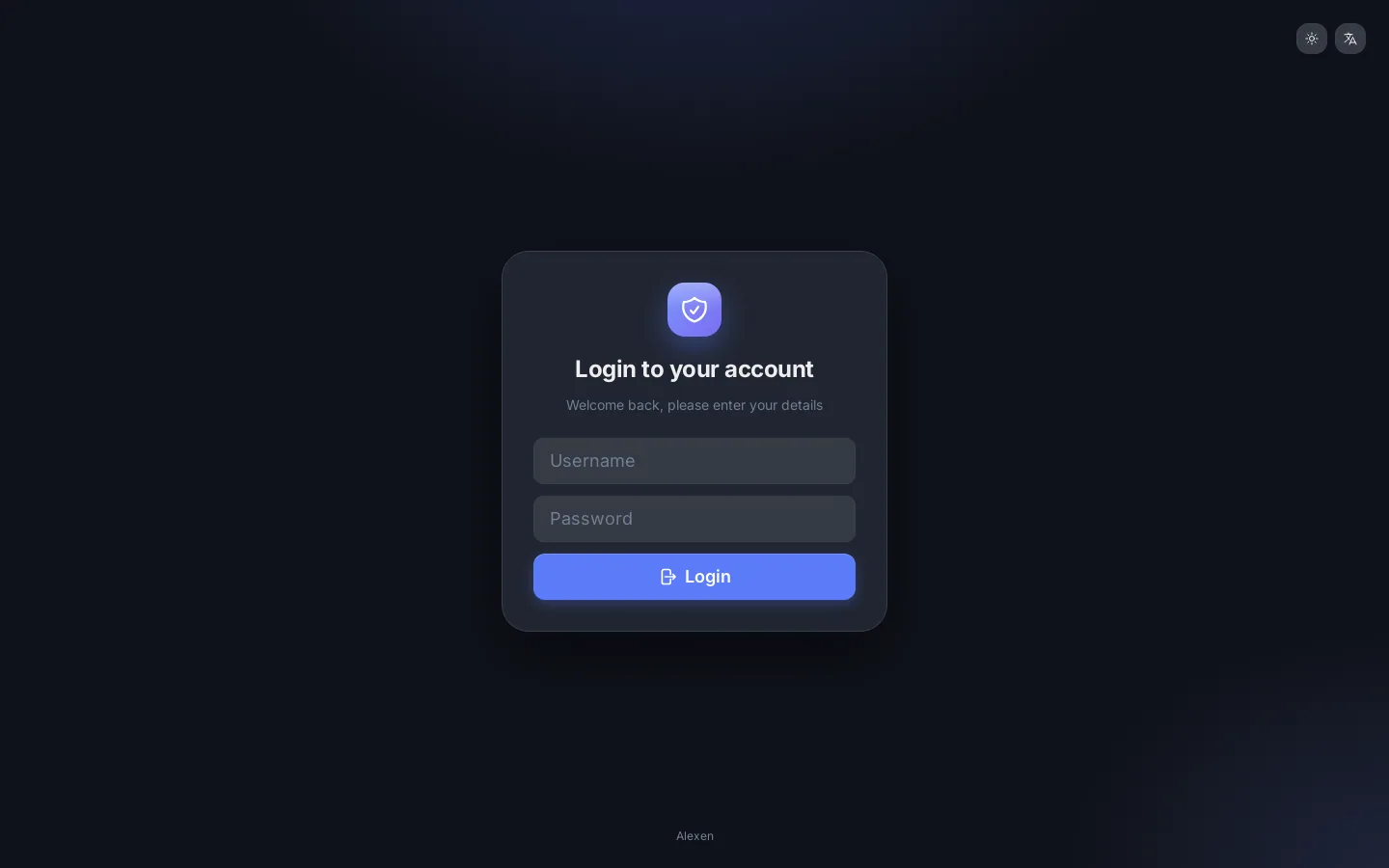
Sign in
Open the dashboard at the address your seller gave you, for example https://panel.example.com:8000/dashboard/, and sign in with your owner account.
First thing to do
Open My profile and set a strong password. Then read Security.
A fresh panel needs three things before users can connect: an inbound, a host and a user.
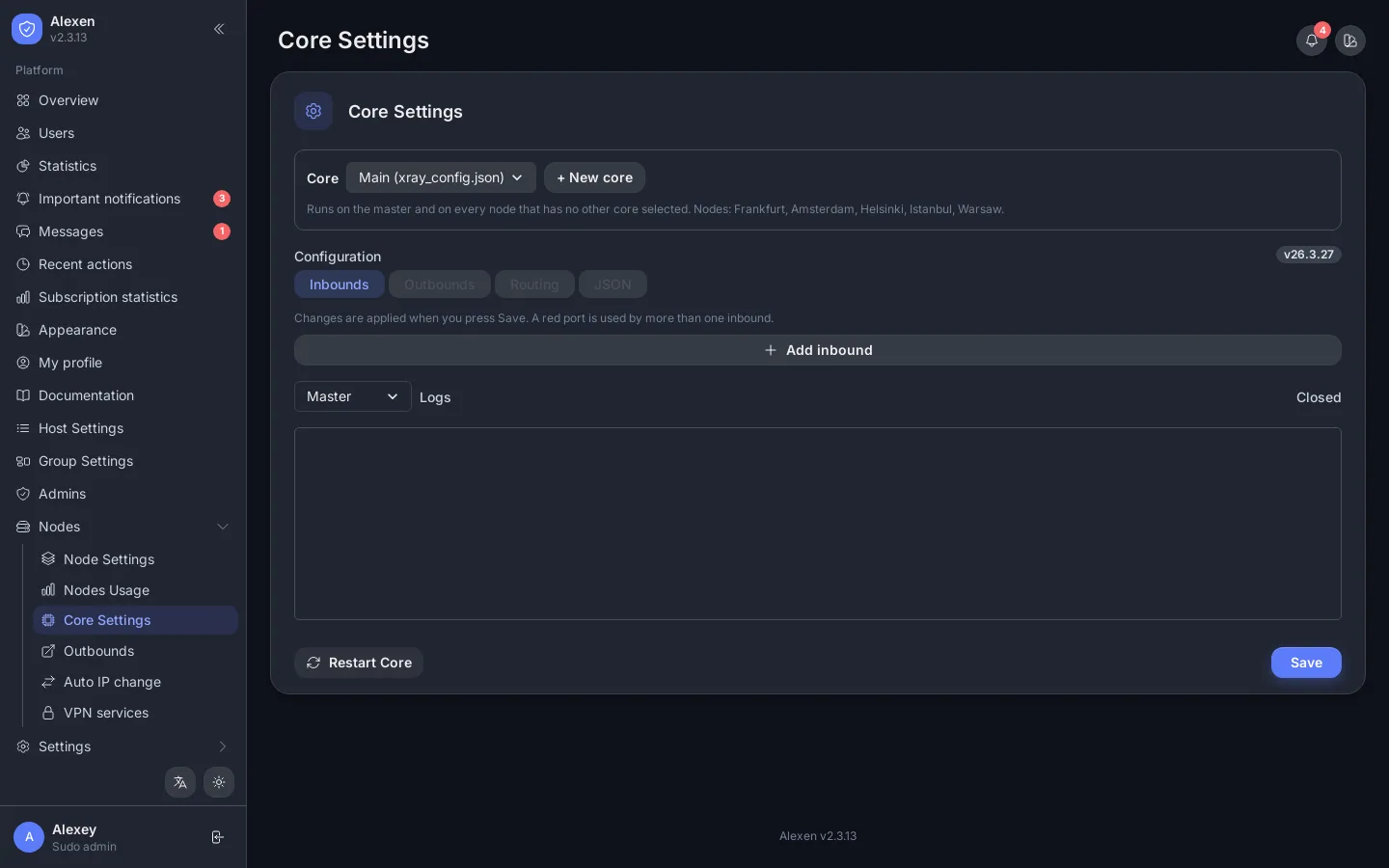
1. Check the Xray core
Open Nodes → Core Settings. The default config already contains example inbounds. Edit the JSON to match your protocols and ports, then save. The panel restarts the core for you.
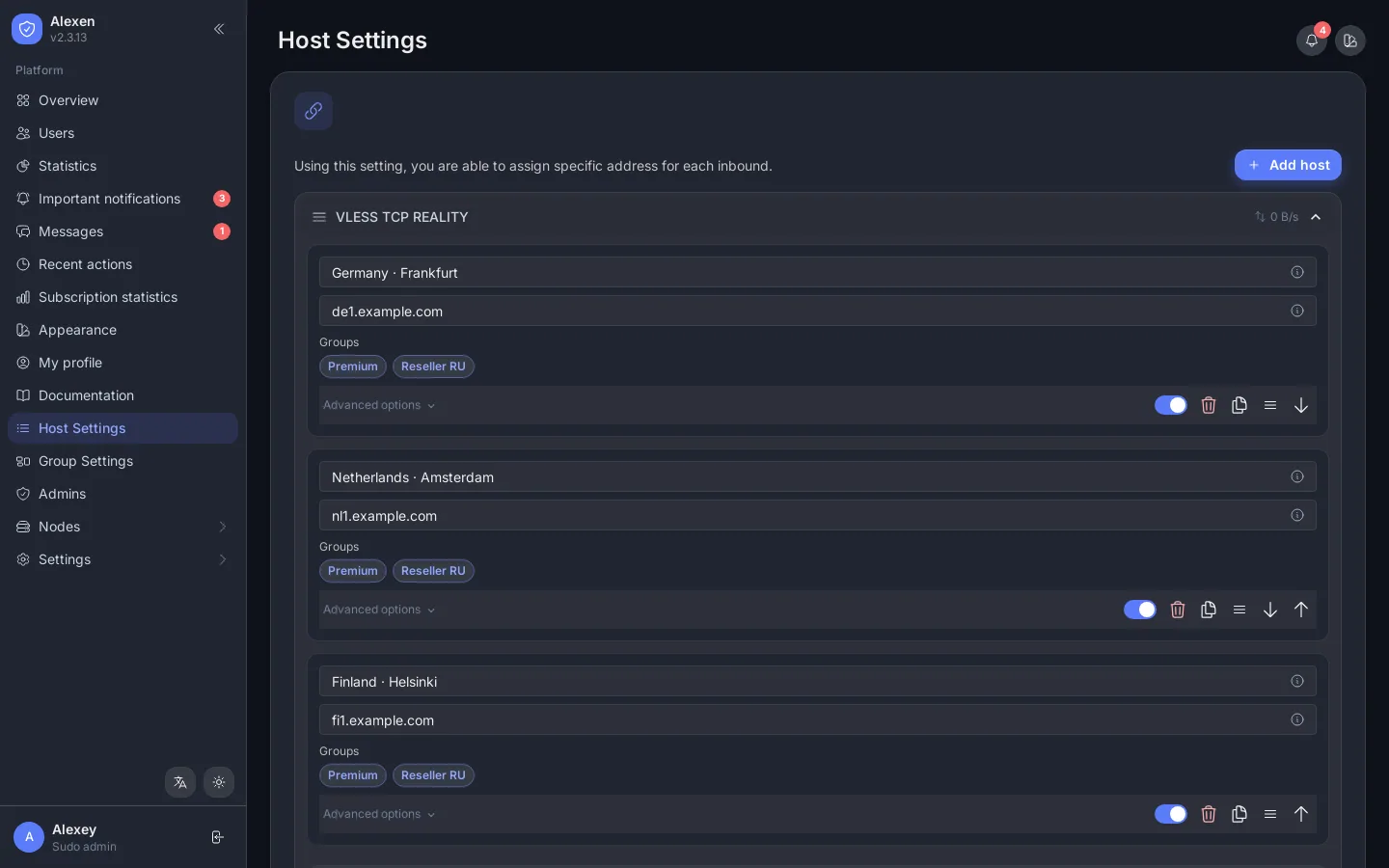
2. Add a host
Open Host Settings. Hosts are grouped by inbound. Press Add host inside an inbound and fill in the remark (the name users see), the address (your domain or IP) and, if needed, the SNI, path and fingerprint.
Order matters
Drag the handle on a host or an inbound to reorder it. The same order is used in users' subscriptions.
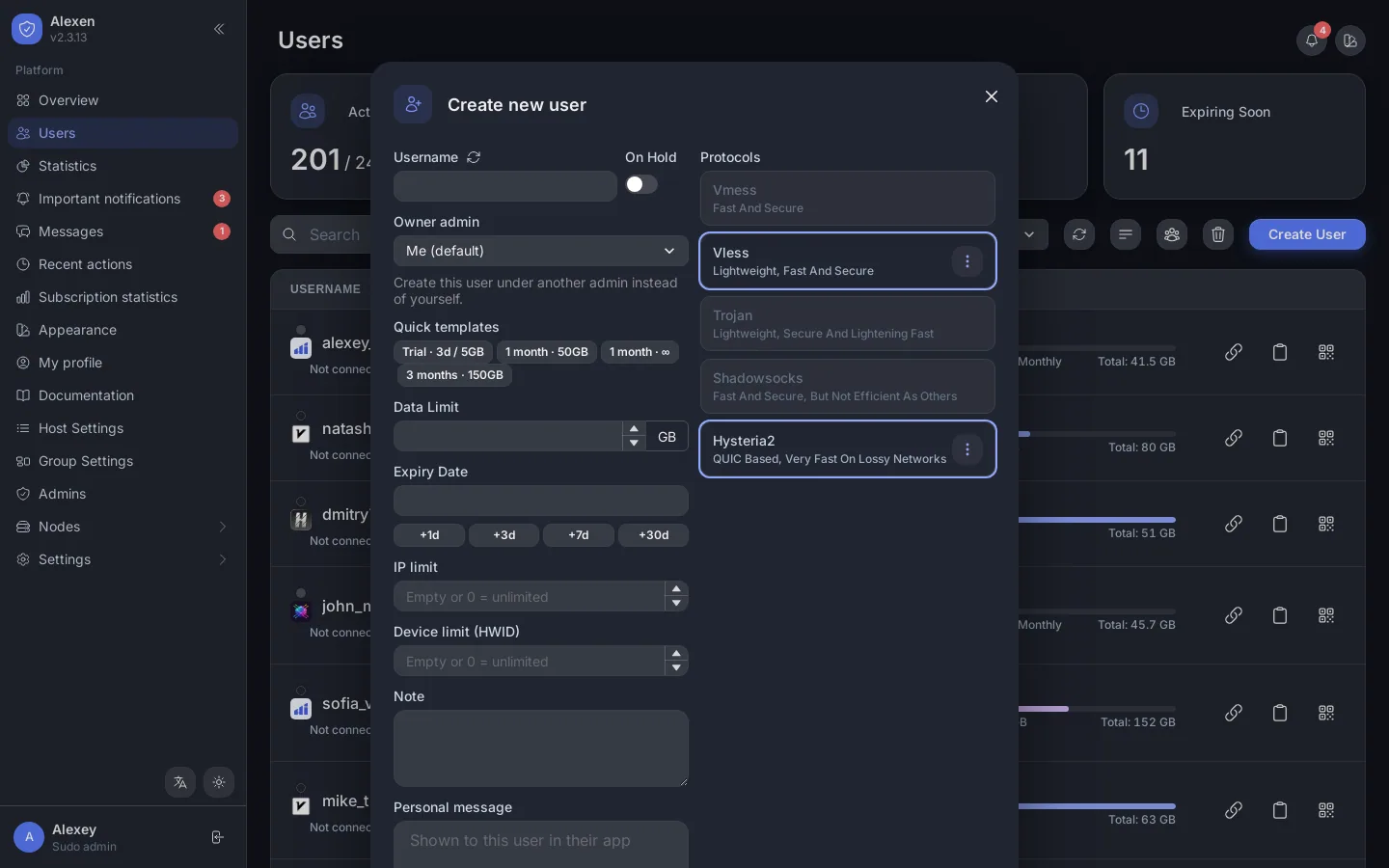
3. Create a user
Open Users → Create User, type a username, pick the protocols, set a data limit and an expiry date, and save. Copy the subscription link with the link icon and send it to the customer.
4. Optional but recommended
- Add more servers: Nodes.
- Brand the page users see: Subscriptions.
- Connect the Telegram bot: Bot, alerts & activity.
- Turn on automatic backups: Backups.